
(503) 626-7766 opt 2
(503) 626-7766 opt 2
Purchase the SSL certificate following the site instructions. You can purchase either a 1 year, or a 2 year certificate.

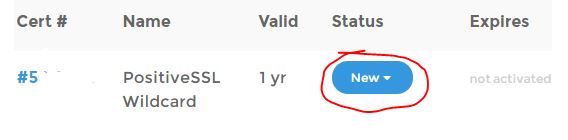
Once you’ve purchased the certificate go to your Purchased Certs list and select “new”.
Copy and paste the CSR text supplied by Passport Online Inc.
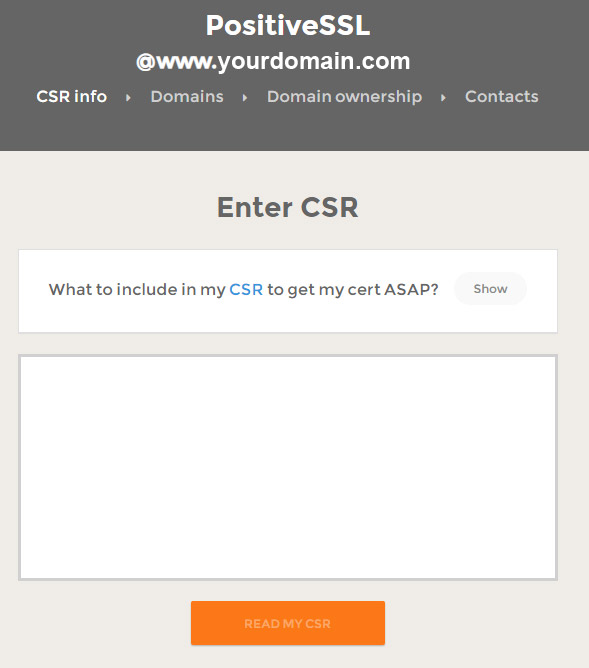

Verify the Issued for information is correct and select I’m installing on Windows

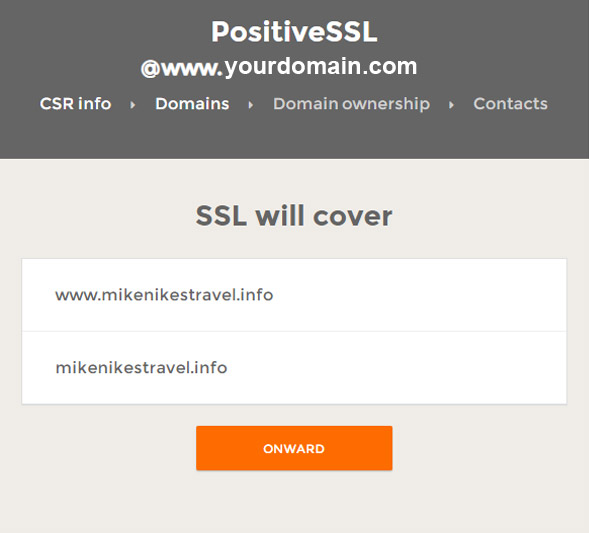
Select to continue. You will get the following response. NOTE: Although the cert states it will cover both www and non-www, the Nexcite System can only support one or the other.
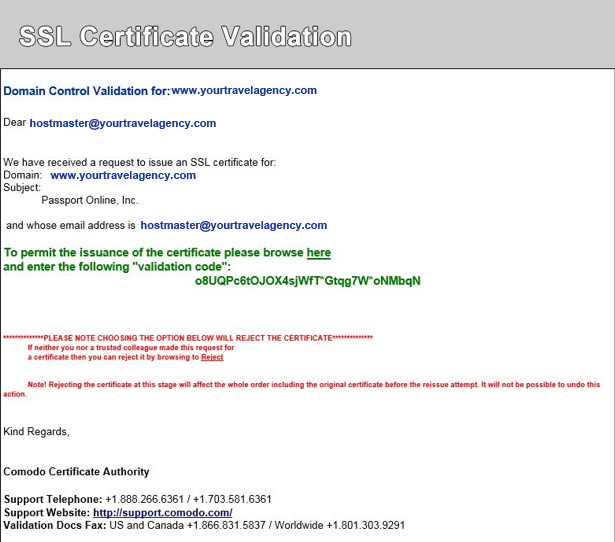
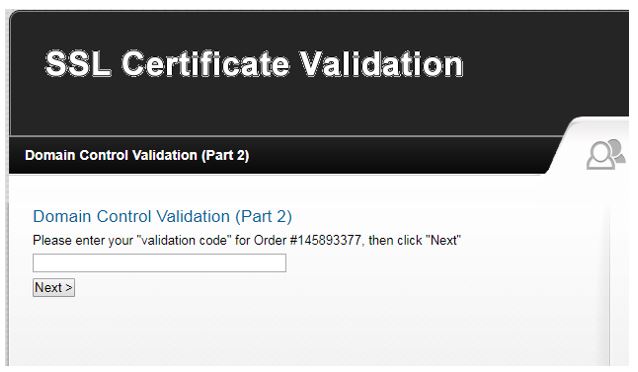
Copy and paste the verification code into the link provided to confirm you own the domain
Forward the zipped certificate to
